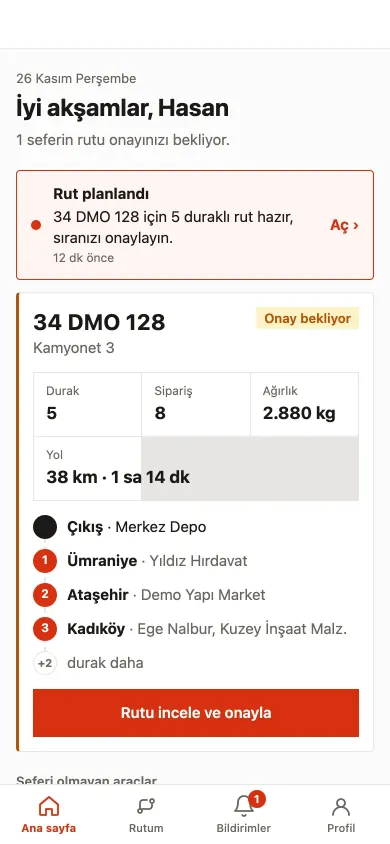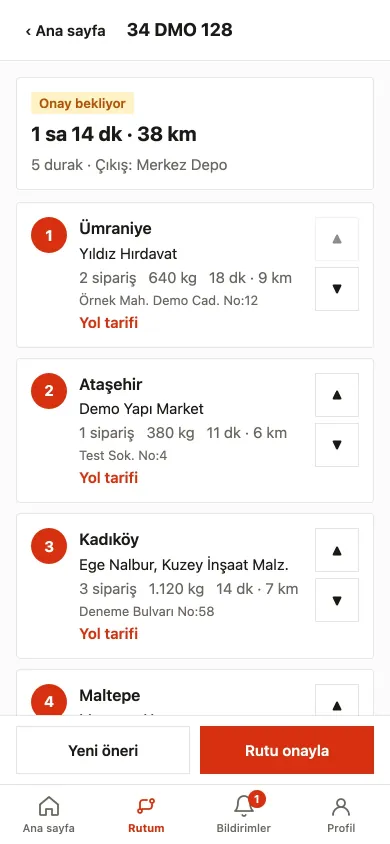

Shipment & Route Planning
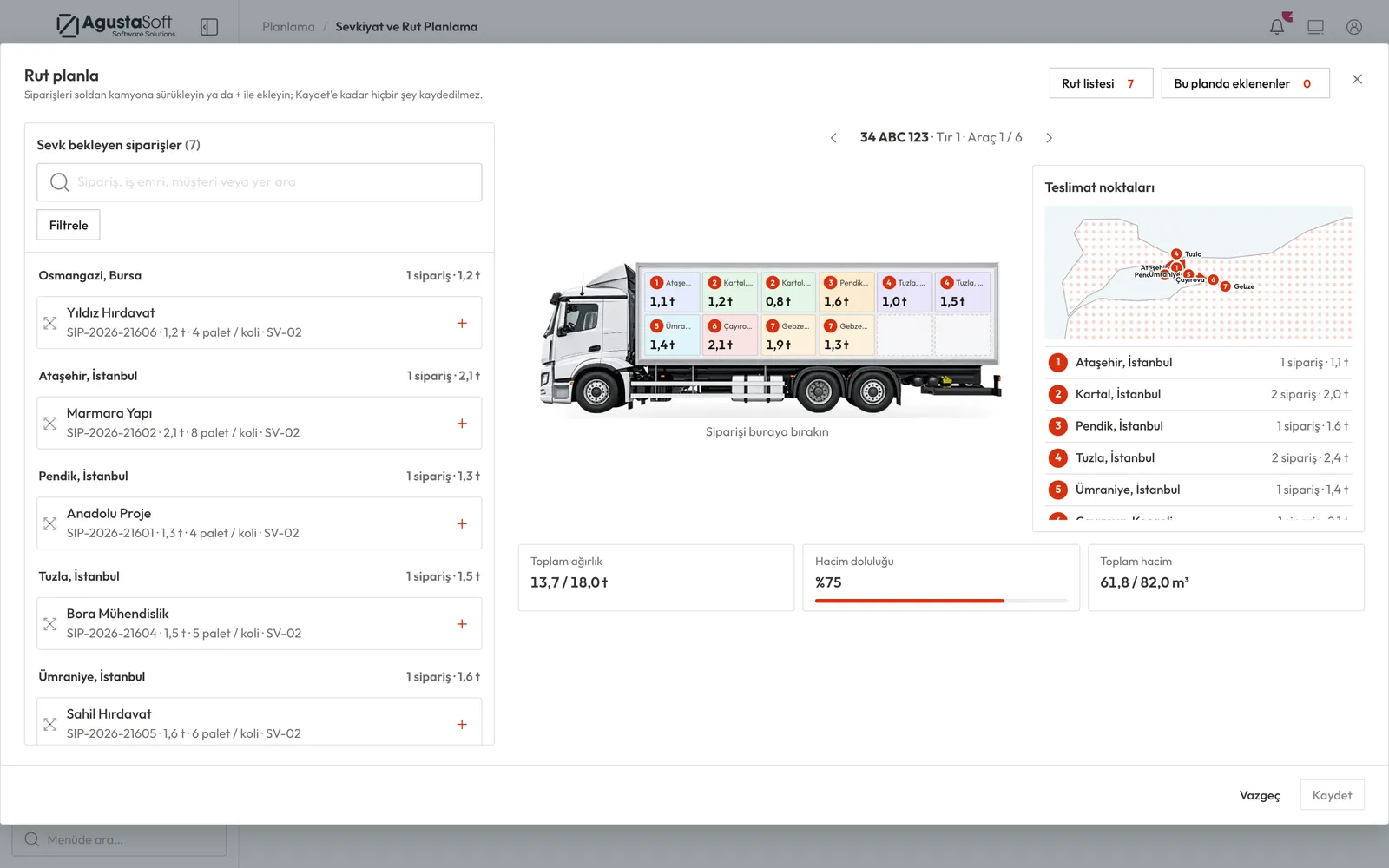
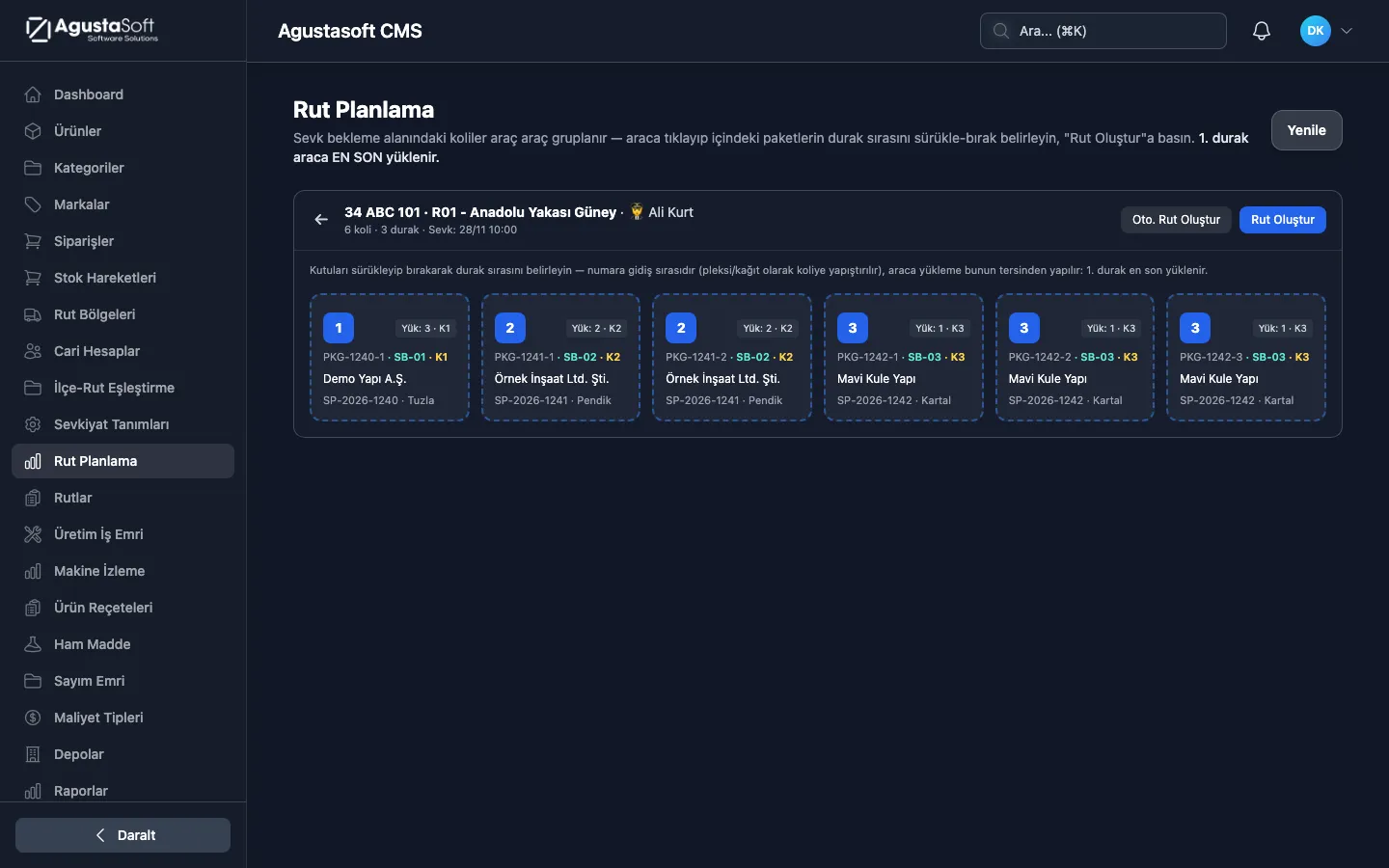
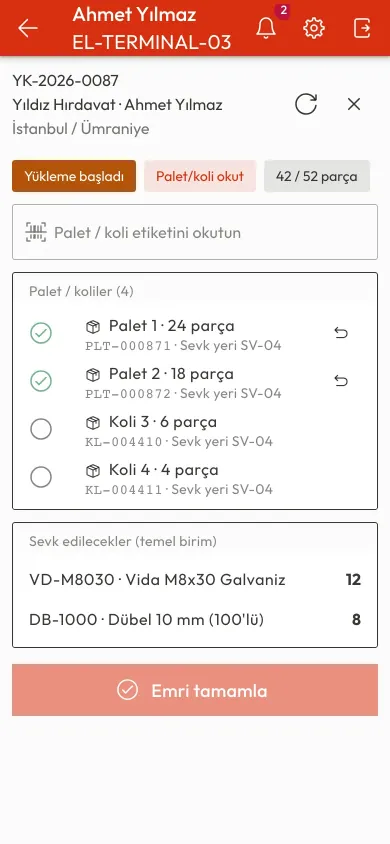
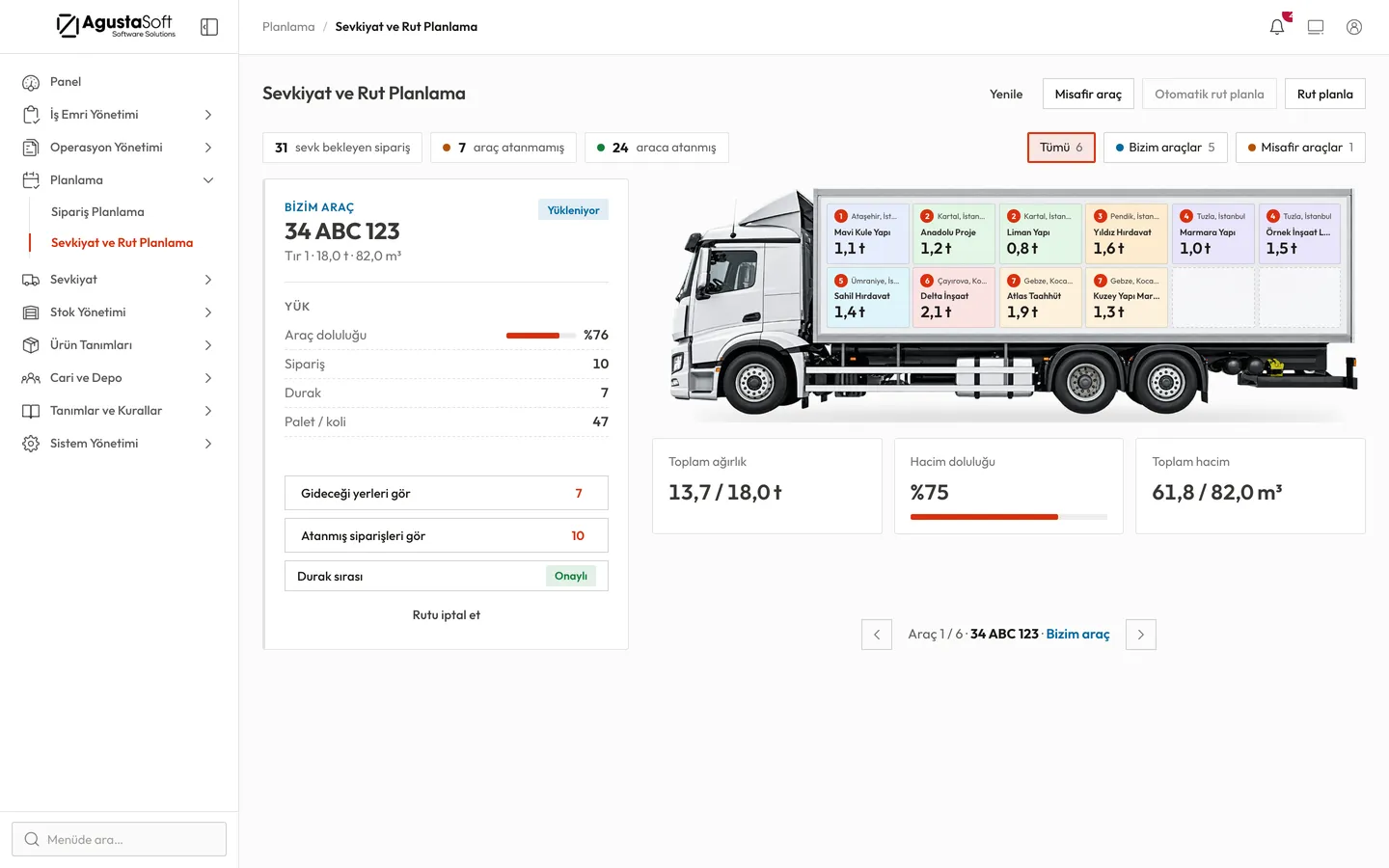
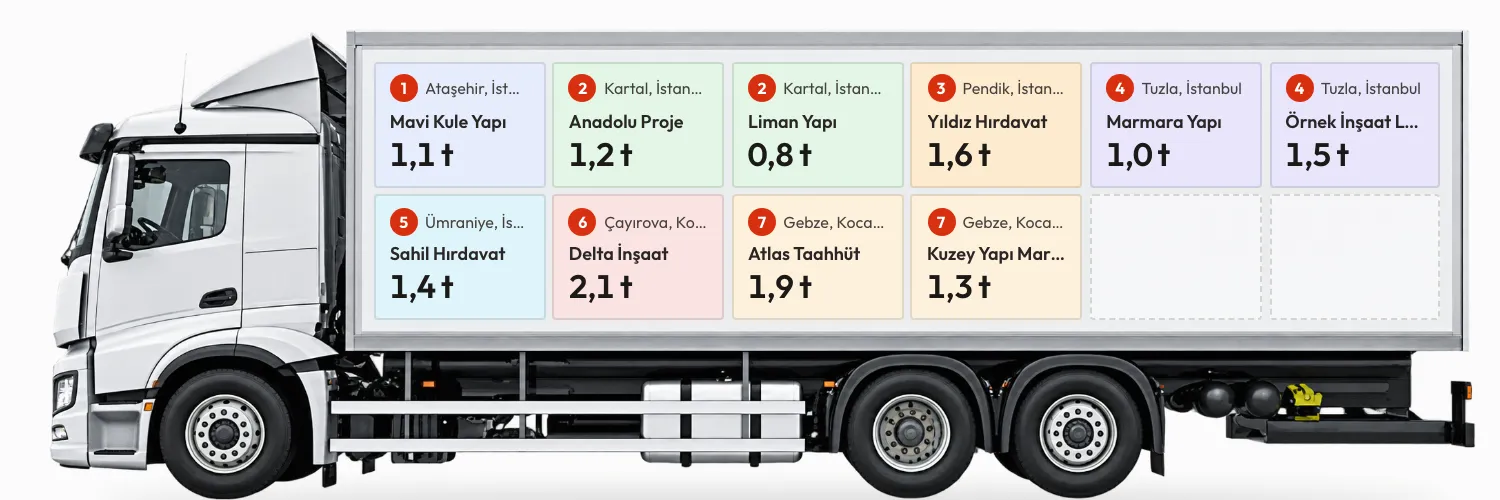
Orders waiting in the shipping area are assigned to vehicles, and the load is drawn on the truck body as colour-coded cards in stop order. Weight and volume fill, stops and pallet/package counts are calculated live.
- Load shown on the truck body in stop order
- Weight (t) and volume (m³) fill with a warning above 90%
- Drag-and-drop orders onto vehicles, with delivery points on a map
- Stop order approval and route cancellation
- Own fleet and guest vehicles